Test save, save-as, rename and overwrite separately
Define the object, owner and expected state before changing any setting.
Prevent accidental edits to approved SOP documents by separating authoring from release and testing write restrictions on the real workflow.
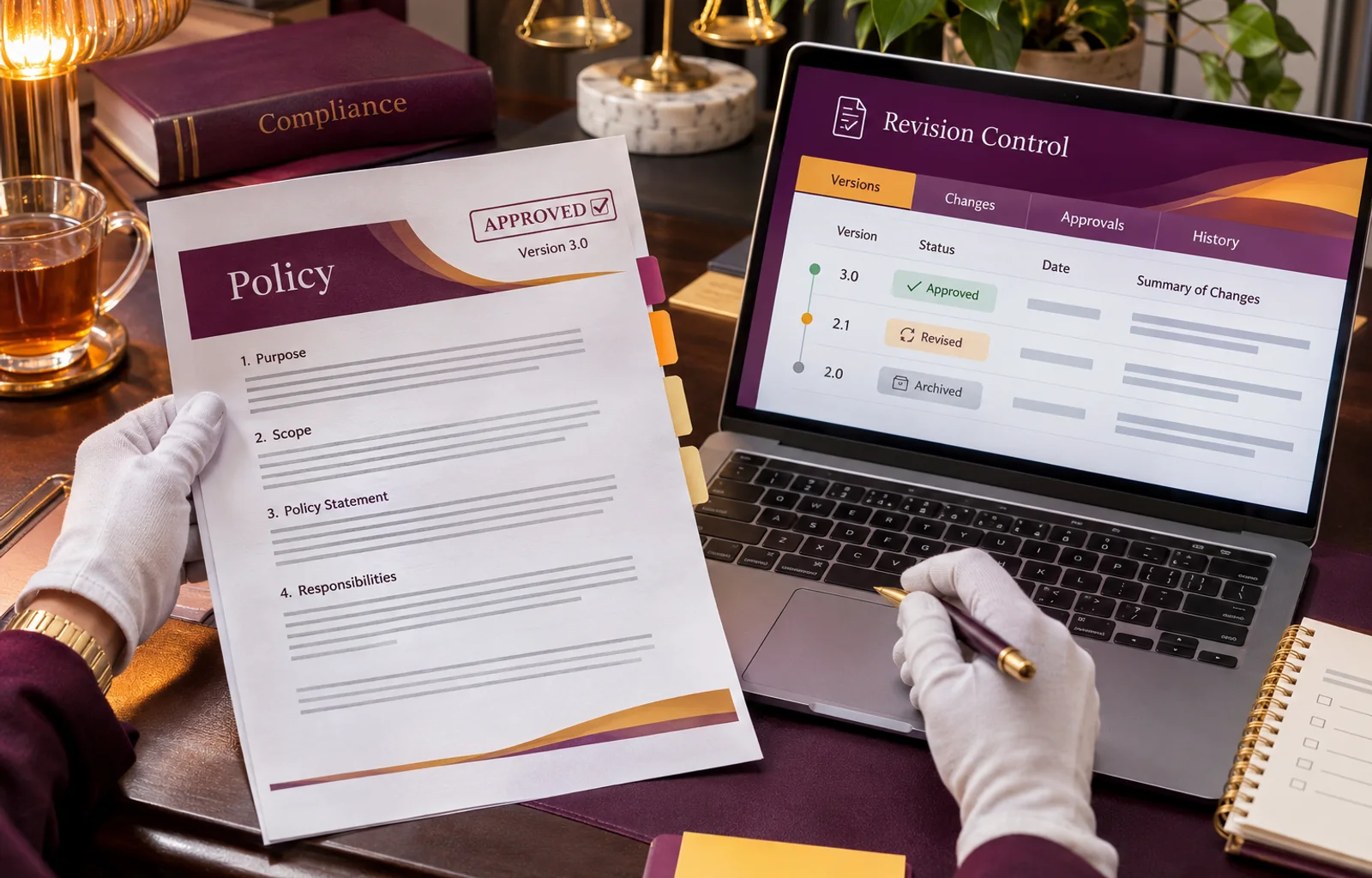
Keep approved SOPs outside the authoring workspace, restrict write actions for ordinary users, and require a controlled copy before any revision begins.
An accidental edit may be as small as a saved annotation, an automatic format conversion or a metadata update. If the approved file remains writable in the same workspace used for drafting, quality assurance may not notice the change until distribution or audit.
Use technical write restriction as one layer in a documented change process. A person who needs to revise the SOP should receive a governed working copy, not temporary write access to the approved release object.
Test more than the obvious Save command. Office applications may create temporary files, update metadata, autosave, export a new format or replace the original during conversion. Use a standard account to attempt each representative action and watch the folder before and after the test. Record the application and version because behavior can change even when the protection setting has the same label.
Design the revision path so editors never need to weaken the approved boundary. The controlled working copy should carry the source revision, change request, author, reviewer, due date and expected release path. When work is approved, a release operator compares the candidate, records the decision and replaces the effective revision through the authorized process—not by editing the protected file in place.
Use this guidance as a review framework rather than a universal configuration. Record the exact Windows version, storage location, account type, document application and protection-tool release used in each test. Repeat representative checks after migrations, updates or ownership changes. A control is ready only when staff can operate it, evidence it and recover from failure without weakening the approved-document boundary.
Each layer addresses a different failure path. None should be treated as proof of the others.
Define the object, owner and expected state before changing any setting.
Test the ordinary workflow with fictional material and record the observed result.
Separate technical restriction from approval, backup and human authorization.
Assign an exception owner and a date for review or closure.
Repeat the test when storage, account, software or process conditions change.
Use fictional material for destructive tests and preserve the live approved master.
Open a fictional approved SOP with a normal user account
Attempt an in-place save and record the result
Attempt overwrite from another application
Test rename and metadata behavior
Create a designated authoring copy
Complete review and approval outside the master path
Release only the approved candidate
Repeat after software or policy changes
Record the account type, Windows version, application used, protected path, attempted action, observed result and exception owner. Avoid claims such as “cannot be changed” unless the test scope and administrator boundary are stated.
Write restriction cannot prevent someone from copying visible content into a new file, photographing the screen, changing administrator settings or distributing an obsolete copy. It also cannot decide whether a proposed edit is technically correct.
No. Passwords may add friction, but copies, alternate applications, administrator actions and exported content need separate consideration.
Provide a traceable working copy with the source revision, change purpose, owner and due date recorded.
Retest after operating-system, protection-tool, storage, account or document-workflow changes.
Select only conditions verified on the actual workflow. The result is a decision aid, not a system scan.